
DSO Functions & Settings
Understand probes, channels, coupling, voltage scale, time base and triggering from basic to advanced use.
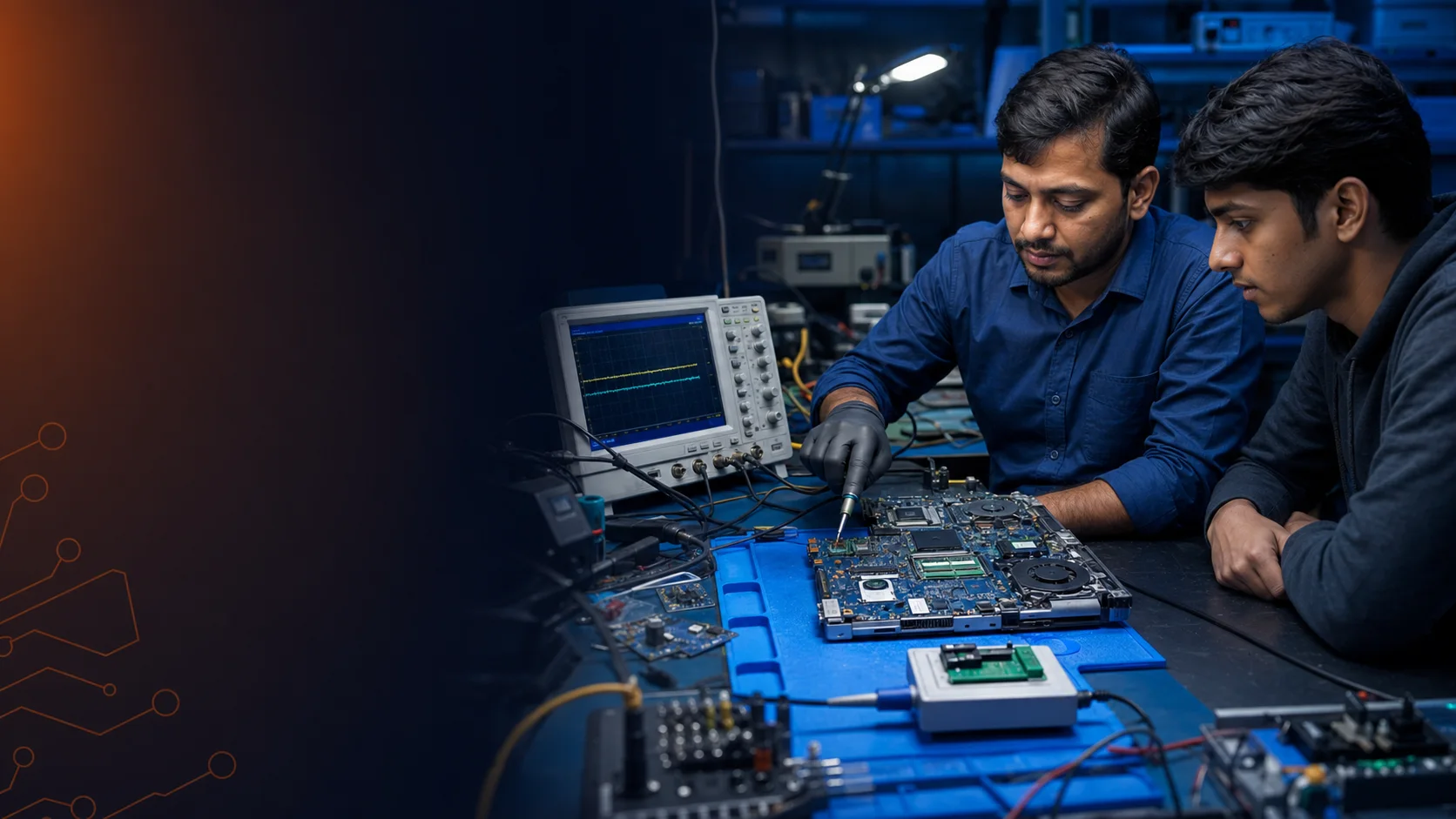
Learn how to set up an oscilloscope, capture the right waveform and use signal evidence to diagnose RTC, PWM, SMBus, BIOS and reset-related faults.
A digital storage oscilloscope helps a technician examine frequency, timing, duty cycle, noise, glitches and communication activity. The course connects those readings to real laptop motherboard sections, so measurements support a diagnosis instead of becoming isolated waveforms.
The supplied syllabus has been organised into a clear technical progression.
Understand probes, channels, coupling, voltage scale, time base and triggering from basic to advanced use.
Test the 32.768 kHz RTC section in different acquisition and measurement modes.
Check buck-regulator PWM behavior and analyse MOSFET gate-trigger waveforms.
Observe SDA and SCL bit frames, timing and communication activity on motherboard buses.
Synchronise two probes to compare BIOS signals and evaluate data transfer with the PCH.
Read duty cycle, pulse width and switching behavior when evaluating gate-drive circuits.
Apply the correct scope settings to test DRAMRST# and other critical reset signals.
Use RTC debounce logic and MISO, MOSI, CS#, CLK and VCC activity to assess signal health.
These videos open on YouTube. They are presented without autoplay or third-party tracking embeds on this page.
 Video 1
Oscilloscope foundations and practical motherboard measurement.
Watch on YouTube → Video 2
A practical laptop motherboard signal and power-section fault case.
Watch on YouTube → Video 3
Waveform-led testing for board-level troubleshooting.
Watch on YouTube → Video 4
Advanced motherboard signal diagnosis with practical instruments.
Watch on YouTube →DSO training is most effective when you already understand component testing, motherboard sections and safe probing. Beginners can start with the complete laptop repair course and progress into this focused module.
Send your city, current experience and preferred learning mode. No online payment is collected.