Admissions open · Online & offline chip-level training
Advanced laptop motherboard diagnosis course at Laptex
Online, offline and recorded options

Advanced Chip-Level Laptop Repairing Course

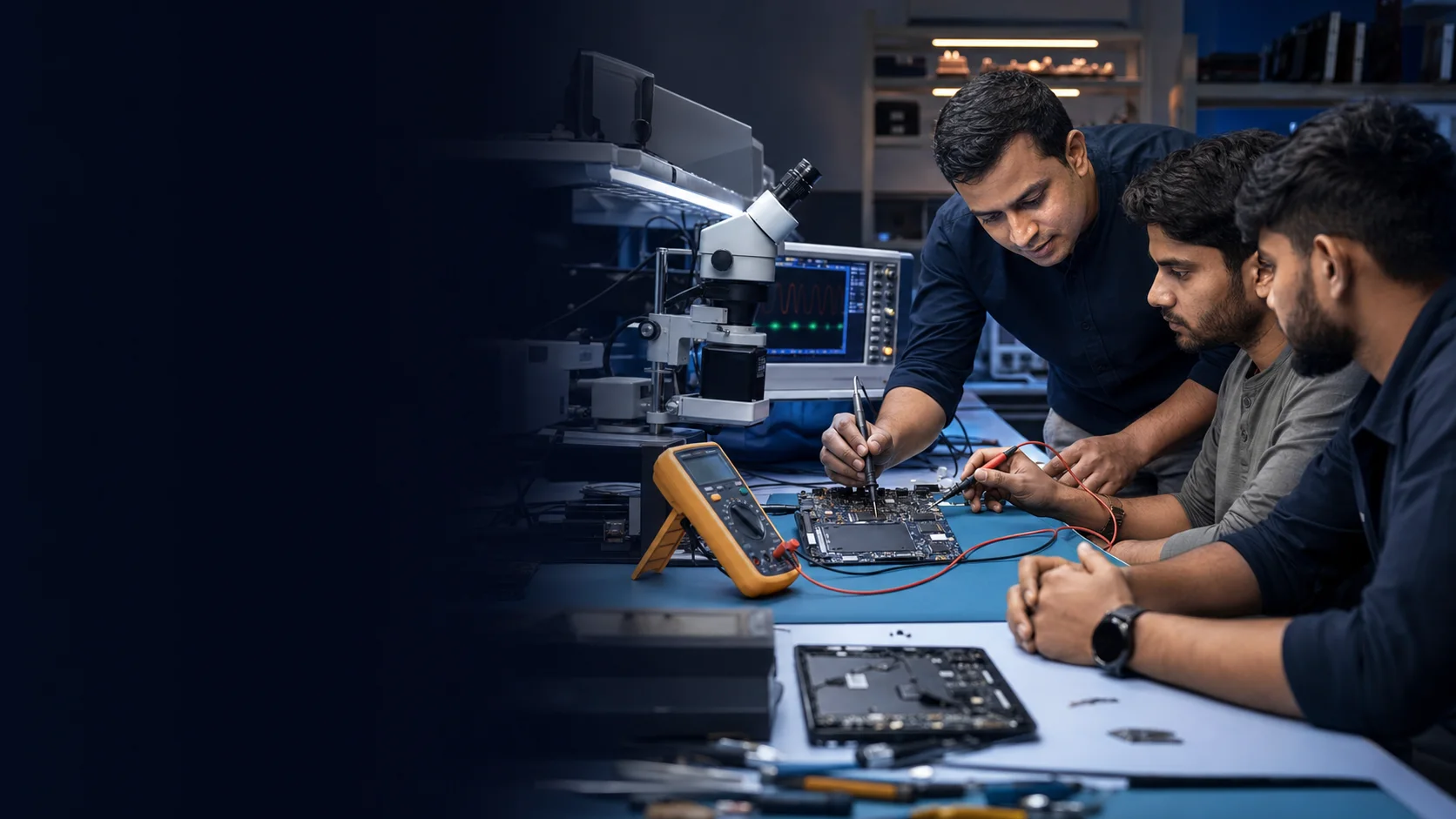
Develop a section-by-section understanding of motherboard supplies, signals, firmware and diagnostic tools through structured repair training.

01Beginner friendlyStart with electronics foundation
02Practical diagnosisMeasure, isolate and confirm
03Flexible modesClassroom, live and recorded
04Advanced toolsDSO, BIOS and Boardview
Course introduction

A practical framework for complex motherboard faults

The course reorganises Laptex’s existing technical syllabus into a clear learning path. It begins with electronic components and safe measurement, then follows the motherboard from adapter input and standby rails through power states, firmware, display, CPU and communication sections.

Who should join

  • Beginners who want a structured electronics and motherboard foundation
  • Laptop repair technicians moving toward chip-level diagnosis
  • Electronics learners who want to understand real board signals and supplies
  • Working technicians seeking DSO, BIOS, schematics and Boardview workflows

Learning outcomes

  • Sectionalise a fault instead of replacing parts by guesswork
  • Relate symptoms to power rails, resets, clocks and communication signals
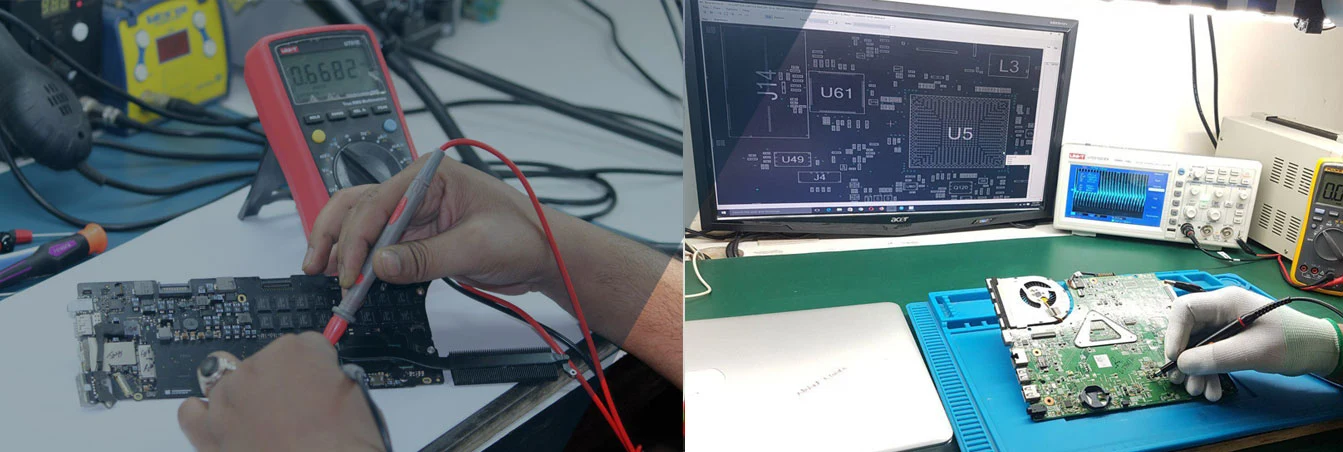
  • Use multimeter, DC supply and oscilloscope readings as evidence
  • Navigate schematics and Boardview to locate components and nets
  • Understand where BIOS and ME/CSME region work fits into diagnosis
Full topic highlights

Five visual chapters. One complete diagnostic journey.

The supplied course syllabus is organised into clear learning phases so you can understand what each topic helps you diagnose.

Course chapter 01: Power foundation & board entryChapter 01
Laptop Repair Course 3.0

Power foundation & board entry

Learn how power enters the motherboard and how switching components control every next stage.

  • Basic electronics & component testing
  • 19V DC-IN / VOLT-IN switching
  • 3V / 5V standby power supply
  • Charging section & battery requirements
  • Cold testing & controlled current injection
What this chapter buildsBuild a safe, measurement-led foundation for no-power, short-circuit and charging diagnosis.
Enquire about this course
Course chapter 02: Memory, controller & display logicChapter 02
Laptop Repair Course 3.0

Memory, controller & display logic

Follow the supplies and control signals that prepare a laptop for trigger, communication and display.

  • RAM power supply: VDDQ, VTT & DDR
  • SIO / Embedded Controller logic
  • RTC clock, resets & no-trigger faults
  • LVDS / eDP internal display section
  • BIOS, ME region & firmware concepts
What this chapter buildsConnect no-trigger and no-display symptoms with the exact supply, reset or firmware section involved.
Enquire about this course
Course chapter 03: Core supply & advanced measurementChapter 03
Laptop Repair Course 3.0

Core supply & advanced measurement

Move from static voltage checks to waveform-led diagnosis across CPU and platform sections.

  • VRM / CPU core internal logic
  • Power-supply fault-finding techniques
  • DSO trigger, PWM & reset testing
  • Thermal and sound sections
  • PCH communication & platform signals
What this chapter buildsUse DSO, multimeter and DC-supply evidence to isolate advanced motherboard faults.
Enquire about this course
Course chapter 04: Power sequence & board navigationChapter 04
Laptop Repair Course 3.0

Power sequence & board navigation

Read the complete start-up story and use technical documentation to find the point where it stops.

  • Complete BIOS testing by DSO
  • G3, S5, S4, S3 & S0 power states
  • On-board RAM disable techniques
  • Graphics to non-graphics conversion
  • Boardview usage & signal identification
What this chapter buildsTrace power states, BIOS activity and component nets with a repeatable diagnostic workflow.
Enquire about this course
Course chapter 05: SOC, firmware & practical toolsChapter 05
Laptop Repair Course 3.0

SOC, firmware & practical tools

Bring board communication, firmware-region work and practical repair tools into complete case studies.

  • SOC / CPU states & communication
  • CSME, TXE and ME region workflows
  • BIOS & SIO programmers
  • SVOD, ENIT and practical tools
  • Motherboard case studies & repair tips
What this chapter buildsCombine circuit logic, firmware and instrument readings to approach real repair cases with confidence.
Enquire about this course
Complete curriculum index

Every technical module covered

Scan all 16 detailed topics from the supplied chip-level laptop repair training syllabus.

01

Basic Electronics & Switching

Resistors, capacitors, inductors, diodes, Zener diodes, BJTs, MOSFETs and op-amps; their circuit roles and test methods.

02

19V DC-IN / VOLT-IN

Adapter input, switching and blocking devices, MOSFET gate activation and diagnosis of no-power or plug-in-not-charging conditions.

03

3V/5V Standby Supply

PWM controller logic and the early rails used by RTC, SIO, lid, battery and communication sections.

04

Charging & Battery Control

DCIN, ACIN, ACDET, ACOK, REGN, BTST, SDA, SCL, ILIM and charger-IC fault logic, including USB-C concepts where applicable.

05

Cold Testing & Current Injection

Impedance checks, identifying unhealthy rails and using a controlled power supply to localise shorted sections.

06

RAM Power Supply

VDDQ, VTT, S3/S5 states and supply concepts across DDR generations.

07

SIO / Embedded Controller

EC supply, reset, triggering, GPIO, SMBus and I2C communication and replacement/programming workflows.

08

RTC Section

VCCRTC, 32.768 kHz generation, RTCX1/RTCX2, RTCRST#, SRTCRST# and related no-trigger conditions.

09

LVDS & eDP Display

Panel power, backlight enables, data/control signals and internal-versus-external display diagnosis.

10

BIOS & ME/CSME Region

Firmware reading, writing, verification, region structure, editing/cleaning concepts and BIOS signal testing.

11

VRM / CPU Core

Enable logic, regulator requirements and single or multi-phase CPU supply behavior.

12

DSO / Oscilloscope

PWM, gate, clock, reset, SMBus and BIOS signal measurement with correct triggering.

13

PCH & SOC Communication

Platform power management, communication with SIO/BIOS/CPU/RAM and state-based diagnosis.

14

Power Sequence

G3, S5, S4, S3 and S0 state progression used to identify the stage where startup stops.

15

Boardview & Schematics

Allegro and compatible Boardview use, net tracing, component finding and signal identification.

16

Advanced Practical Techniques

On-board RAM disable concepts, graphics-to-non-graphics conversion logic, thermal/audio sections and tool-led case studies.

Training methodology

Theory, measurement and fault confirmation

Each section is best understood in three layers: the circuit’s purpose, its expected supply or signal behavior, and the measurements that confirm where a fault exists.

1

Understand

Study the circuit function and required inputs or outputs.

2

Measure

Check rails, impedance, clocks, resets or data signals with a suitable tool.

3

Confirm

Use the evidence to narrow the fault before repair or replacement.

Faults covered

Symptoms linked to board sections

  • No power / no triggerDC-IN, standby, RTC, SIO and sequence checks
  • No display / late displayRAM, BIOS, LVDS/eDP, VRM and platform signals
  • Charging faultsAdapter detection, charger IC and battery communication
  • Shorted railCold testing, impedance comparison and controlled injection
  • Boot and firmware faultsBIOS update, verification and region concepts
Delivery options

Learn in the format that fits your situation

Current schedules and exact support provisions are confirmed directly by the Laptex team.

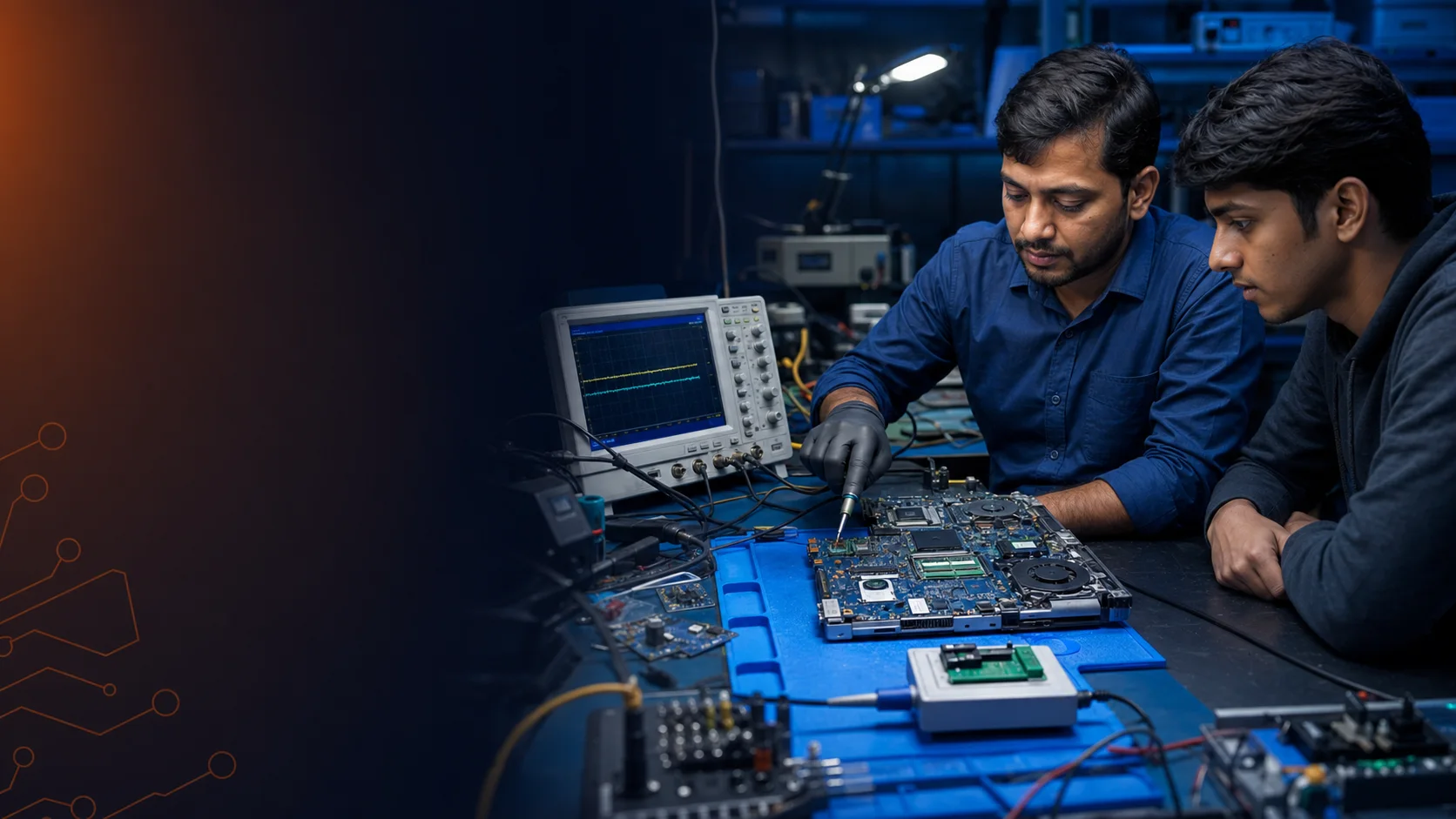
Offline ClassroomInstructor-led learning at the Nehru Place location with workshop context.
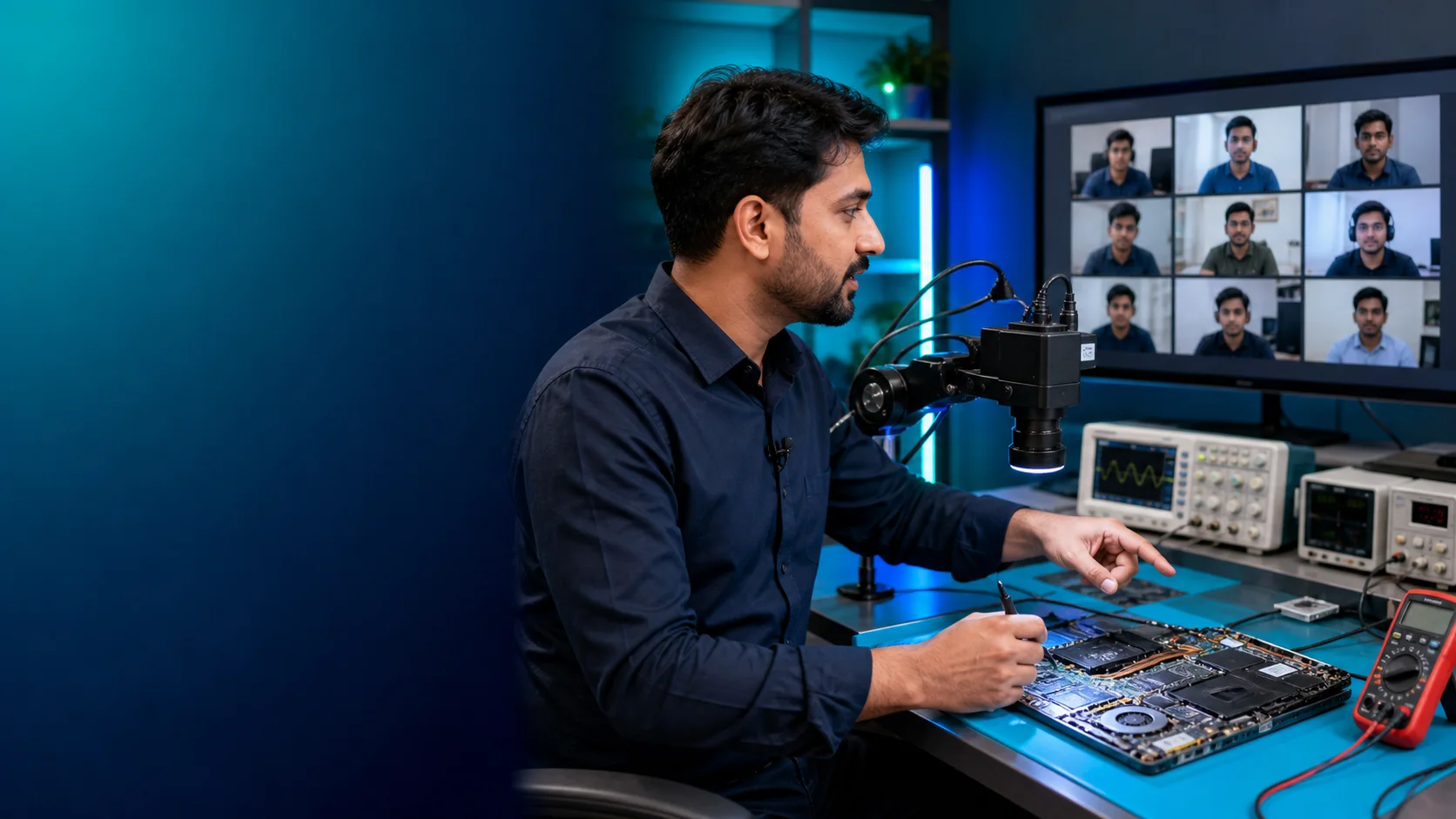
Online LiveScheduled remote instruction for learners outside Delhi.
Recorded CourseSelf-paced video learning with current support details supplied on enquiry.
MacBook TrainingAsk which current batch and delivery mode includes the MacBook level you need.
Free video lessons

Preview the practical teaching style

These selected videos give you a closer look at Laptex repair concepts before you submit a course enquiry.

Lesson 01

Practical laptop repair training

See how board-level concepts are explained through a technician-focused learning approach.

Lesson 02

Chip-level diagnosis in action

Preview the technical depth and repair-learning style available through Laptex.

Course enquiry

Reserve your registration

Complete the form and select your preferred mode. This creates a training lead, not a paid order.

Submitting this form reserves no paid order. The Laptex team will contact you with the current schedule, format and next steps.

Course FAQs

Before you submit an enquiry

What will I learn in the chip-level course?

You will study component testing, motherboard power sections, BIOS, display signals, CPU and RAM supplies, schematics, Boardview, DSO testing and structured fault diagnosis.

Does the course include MacBook repair?

MacBook-oriented repair training is available. Ask the team which current batch or course format includes the level you need.

Can I join from outside Delhi?

Yes. Live online and recorded modes are available for learners who cannot attend the Nehru Place classroom.

Is this registration a payment?

No. The form records your course interest so the team can share current details. It is not a paid checkout or order confirmation.

What tools are covered?

The curriculum references multimeters, digital storage oscilloscopes, DC power supplies, BIOS and SIO programmers, BGA/SMD tools, schematics and Boardview software.

How do I get current fee and batch details?

Submit the enquiry form or call +91 98711 45066. Fees, timing and availability are confirmed directly by the Laptex team.

Need help choosing a learning mode?

Contact Laptex or explore the repair knowledge blog before registering.