
Why the power sequence matters
A laptop motherboard does not start every rail at once. It moves through defined power states so controllers, clocks, resets, memory and CPU supplies become available in the required order. When startup stops, the last healthy state helps narrow the responsible section.
The main states
G3 describes the mechanical-off condition. S5 is the soft-off state with essential standby logic available. S4 is associated with hibernation, S3 with sleep and S0 with the fully working state. Board architecture varies, so technicians confirm the exact signal names in the schematic.
How to diagnose a stopped sequence
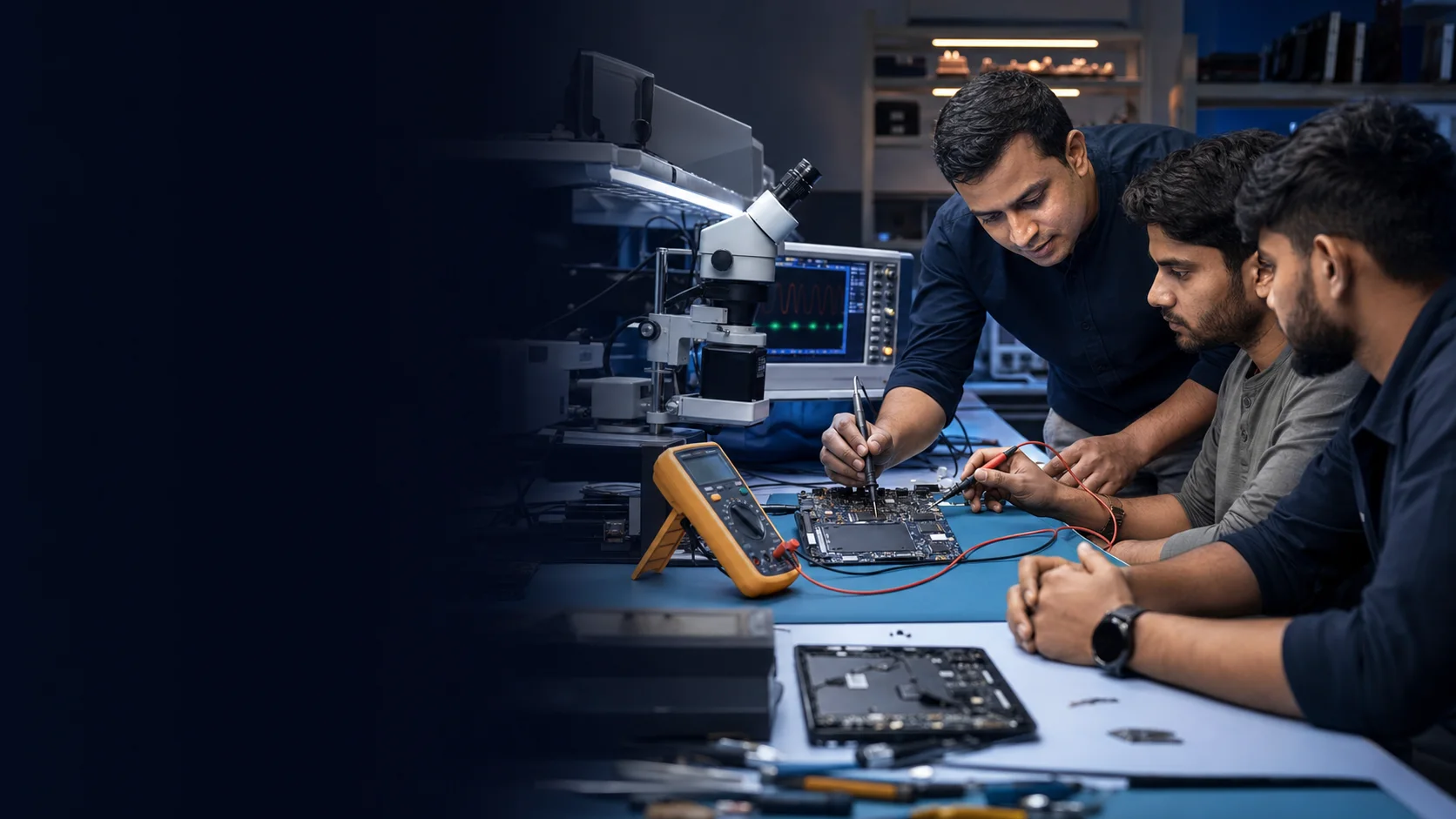
Begin with safe visual and resistance checks. Confirm adapter input and always rails, then follow enable, power-good, reset and clock signals in order. A multimeter confirms stable DC levels; an oscilloscope is needed when waveform quality or timing matters.
A disciplined workflow
Record each measurement, compare it with the schematic and avoid forcing a later rail before understanding why its enable is missing.
Continue learning
This article provides an educational overview. Measurements and board work should be performed with appropriate safety, schematic context and supervised practice where needed.